top of page

Take Control of  Your Reef

Control flow, temperature, and lighting from your phone. Add a Display Screen or PRO Light Controller to make the setup your own.

Micro-Reef-Controller-LABEL (5).png

What are you setting up?

Choose your device to get the right instructions. Each guide covers setup, connection, and everyday use.

51.png

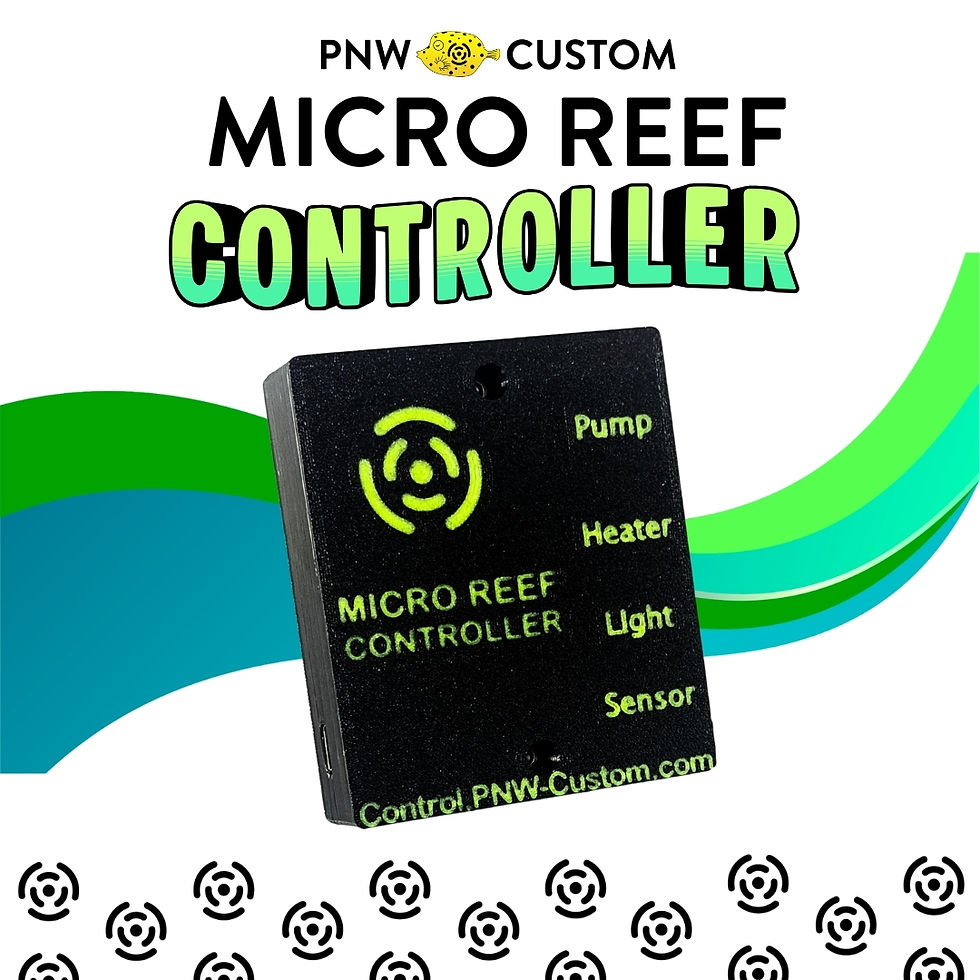
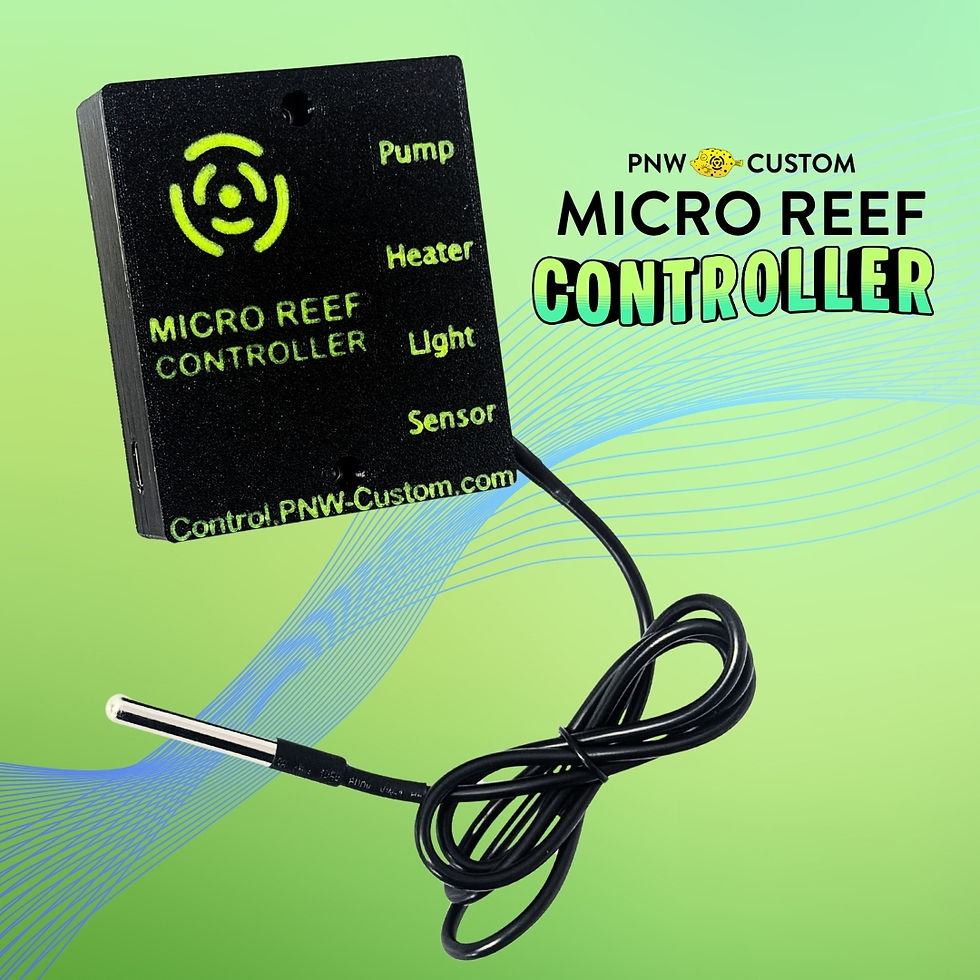
Micro Reef Controller

Connect to its Wifi access point, add your home network, and set up pump, heater, and light controls.

52.png

Display Screen

Update the device, connect the screen, and pair it using your Controller's MAC address.

53.png

PRO Light Controller

Set up blue and white channels and lighting schedules, with or without the Micro Reef Controller.

Firmware Updates

Check the latest files and update steps before pairing devices.

Help & Troubleshooting

Having connection or equipment issues? Send a support request

Shop the Controller Ecosystem

How It Works

31.png

Local Mode:

Direct connection for setup and in-home control

32.png

Remote Mode:

Connect to WiFi to monitor and control your reef from anywhere

33.png

Easy Connect

Quick setup with step-by-step setup guide and support

Need Help?

Visit our Micro Reef Controller Support page so that we can help with troubleshooting and resolve the issue as quickly as possible.

bottom of page